
Categories
Blog

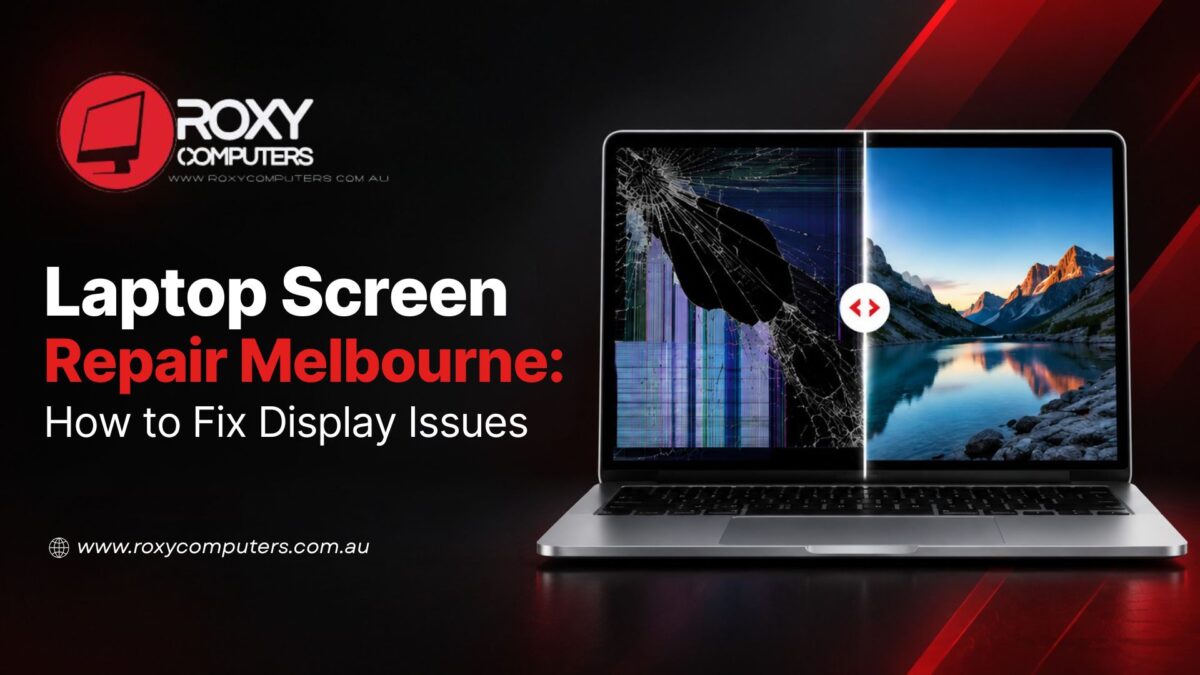
Laptop Screen Repair Melbourne: How to Fix Display Issues

A laptop’s display is not only the surface you look at. Its functionality depends on different connected components that help with clear and responsive visuals. So when you see a flickering screen, a dark patch, or a distorted display, you know that the problem is either physical damage or an underlying internal fault.

Identifying the causes behind the damage is the first step towards choosing the right solution. When the reason is not immediately obvious, you must seek an expert technician for laptop screen repair Melbourne. The process generally begins with an assessment, which then determines the need for either screen replacement or simple repair.

Identify the Signs and Find the Real Cause Behind Screen Issues


It can be a daunting task to identify the hidden cause behind the damage right away. Your screen doesn’t give clear clues about the source of the issue. When you don’t have technical knowledge, it becomes more challenging.

You can look for these signs initially:

  • Visible Physical Damage: Check if your screen has visible cracks. It can be because of a damaged display panel. Checking the surrounding components and internal connections may help find the right fix.
  • Unstable Display: See if the screen flickers and flashes, or if the screen light dims and changes unexpectedly. These issues may be related to the screen connections.
  • Lines, Spots, or Distorted Images: If your screen shows coloured lines and unusual patterns, this suggests internal display faults or display hardware problems.
  • Unresponsive Screen: Sometimes, the screen turns completely black and stops responding to any input. Such problems may be linked to some internal components in your laptop.

These signs can point to different underlying issues that only experts can identify. This is why you need to seek professional technicians if you are looking for computer repair Melbourne North. Even if the issues are minor, addressing and fixing them early can help prevent further damage to your system.

Decide Between Screen Repair and Replacement Options

Some issues are fixed with simple repair, while some may demand a laptop screen replacement. This is what professionals check first:

  • The extent of the damage; whether it affects the display or the nearby components also
  • The age and overall condition of the laptop

After the initial check, technicians understand if the display needs a repair or a replacement. For a laptop screen repair Melbourne, professionals take these factors into account:

  • Which one offers better value: repairing or replacing the screen
  • If replacing the screen extends the laptop’s usable life
  • The availability of a compatible replacement screen with the same display specifications.
  • The possibility of recurring issues after replacement or repair.

A professional recommendation is always based on what delivers the best outcome. Instead of guesswork and quick fixes, you must get your system assessed by a skilled technician. At Roxy Computers, your system goes through a detailed check before you get any recommendation. A complete check helps us consider both the screen issue and the overall function of your device.

How Professionals Carry Out Laptop Screen Repair Melbourne

Once the right solution has been identified, the next step is to proceed with it and restore the display carefully. Repair specialists follow a systematic process to achieve the desired outcome, considering the device’s condition.

  • Correct Screen Selection: Every laptop has specific display requirements. Technicians choose a compatible screen that matches closely with the original screen size, resolution, and performance.
  • Safe Installation: Service professionals remove the damaged screen carefully so that no damage is caused to the hinges, bezel, cables, and other components nearby.
  • Performance Testing: Once installed, specialists test the brightness, resolution, colour accuracy, and responsiveness of the screen to make sure it works as expected.
  • Complete Device Inspection: The last stage is about running a thorough check of the device to ensure secure screen fitting and smooth hinge movement. This inspection also helps find out if there is any issue that could possibly affect long-term performance.
  • The laptop is also checked for smooth hinge movement, secure screen fitting, and any related issues that could affect long-term performance.

If you’re searching for laptop repair near me, choose a service that values accuracy over quick fixes. If you don’t have proper technical knowledge, you must not try fixing anything on your own.

You are dependent on your laptop for daily tasks, and the time required for the repair may disrupt your work. If you seek proficient and experienced professionals for laptop screen repair Melbourne, you can experience a streamlined procedure that goes like this: proper diagnosis, quality replacement parts selection, careful installation, and thorough testing. A systematic approach is needed to restore the display and support its long-term performance.

At Roxy Computers, every screen repair begins with a careful assessment of the laptop’s condition before you get any recommendation for the most suitable solution. A well-executed repair gives your laptop a second life so that you can get back to work, study, or everyday tasks with confidence.

Frequently Asked Questions:

  1. Why is my laptop screen flickering even though it isn’t cracked?

Flickering doesn’t always mean a cracked screen. The display may have issues with internal connections or problems related to the hardware and other components, which professionals can find out.

  1. What causes coloured lines to appear on the screen?

Coloured lines usually appear when the display panel is damaged or there is some issues with the internal connections. If you see such lines on your screen, it is better to get it assessed by a professional as soon as possible.

  1. Is it safe to keep using a laptop with a damaged screen?

Minor damage doesn’t always impact the functionality of a system. However, when you ignore the issues, they can worsen, requiring a more complex and expensive repair process.

  1. What should I look for when choosing a laptop screen repair service?

Choose a provider with experienced technicians, quality replacement parts, transparent advice, and a warranty. You can find all these qualities in Roxy Computers.

  1. How long does it usually take to replace a laptop screen?

Technicians check the laptop model and the availability of suitable parts. These factors influence how much time the replacement is going to take.
Categories
Blog

Data Transfer to New Computer: Key Steps Before Switching

Buying a new computer is all exciting. But it might be a daunting task to move important data from the old system. Your data is not only about photos, videos, and documents. It goes beyond that, making the process complex sometimes. You have your passwords and personal preferences saved on the old device. There are emails, browser settings, and software licenses. If you miss any one of these pieces of data, you might face inconvenience and have to set things up manually again. 


Data transfer to new computer is not simply copying files from your old device to the new one. You need to understand what needs to be transferred and what exact steps to follow. You need to consider certain security measures before switching devices. Moreover, once your files are transferred, your new system may need reinstallation and configuration. Managing everything on your own can be challenging and take much of your time and effort. This is where professionals help. 


Roxy Computers has a skilled team of technicians who help with data transfer to new devices. Here, you get assistance with Microsoft Office installation and complete PC setup. With the right preparation and expert support, you can have a smooth, secure, and hassle-free experience. 


Know Why You’re Switching Your Device in the First Place 


Computers can slow down eventually, affecting your everyday use. But replacing it is not the first option. You must be clear about what you want in your new system, so that you can decide whether to get your old computer fixed or get a new one. If replacement seems like a better choice, you will have to plan for data transfer early. 


You can consider these reasons before switching to a new device: 


  • The hardware is ageing and struggling with simple everyday tasks 
  • You deal with unexpected errors and frequent crashes in the system 
  • The operating system is outdated and no longer receives updates 
  • The hard drive, motherboard, and other hardware components failed 


Besides these factors, your current requirements in work, studies, and personal use may not align with your old system’s features. This is one of the most common reasons people switch computers. 


computer running slow can disrupt your work. Sometimes this issue can be solved with simple system optimisation and hardware upgrades. But if you notice repeated problems, you can invest in a new computer. It will be a more practical choice for the long term. 


However, before you make any decision, it is better to get your computer assessed by professional technicians. It will help you determine if your system needs a repair, an upgrade, or a complete replacement. After analysing different factors, you can opt for a new system. But before that, you will have to think about what files, settings, and applications need to be transferred to the new device. 


Stay Organised Before Data Transfer to New Computer 


When moving files to a new computer, you will find options for automatic transfer. Most of the time, people choose this option, thinking it will save time and do the work efficiently. But it is not as efficient as manual selection.  


You would not want your new device to be filled with irrelevant files and features, as it can result in your computer running slow. If you want a fresh and smooth start, you should always review and remove unnecessary files. This will help your new system stay clutter-free. 


Learn how to keep your new device organised. 


  • Back up Important Files: Keep a backup of important photos, videos, documents, and other types of files. For this, you can use secure cloud storage or an external drive. 


  • Remove Unnecessary Files: Before the transfer, you must identify and delete duplicate, outdated, and unwanted files. 


  • Organise Your Folders: Create separate folders and label them to sort your files in different categories. This will allow easier and faster access later. 


  • List Essential Software: During data transfer, not all applications can be moved to a usable state. This is why it is important to make a note of important software. You can easily reinstall them on your new device. 


  • Keep Licence Keys Handy: If you are using paid applications, they will require licence keys and certain activation details. You must keep these details in a safe place before switching to a new system. 


If you find these steps complicated, take professional assistance. Professional computer data transfer Melbourne services can help you identify and transfer all the important files safely to a new computer. 


Remember That Your Data Is More Than Just Files 


During data transfer to new computer, you may think about your photos and documents only. But many important details are often hidden in the background. 


Know what to include: 


  • Browser Data: It has your saved passwords, search history, and bookmarks. 
  • Email Accounts: All your details from email, contacts, archived messages, and calendars are saved here. 
  • Software & Settings: You may have some saved application preferences and license details that are crucial. 
  • Business Files:  Manage your accounting records, project folders, and work-related data. 


Missing these details can result in unexpected inconvenience. If you are unsure of how to handle and transfer these files, you must seek professional data transfer services Roxburgh Park. Experienced technicians will help you identify and transfer all your essentials to the new system and make it ready for everyday use. 


Plan the Transfer Before You Start 


A successful move is not only about how quickly you can do it. It depends on how well it is planned. 


Before you start transferring, check for these things: 


  1. Did you back up all the important files? 
  1. Are you sure the software you use will run on the new computer? 
  1. Can you access your passwords and account details after the switch? 
  1. Are you ready to verify everything afterwards? 


In case there are intermittent issues or hardware failure in the old computer, you must not delay data transfer to new computer. Delaying would risk your data for permanent loss. Also, you must not try transferring everything on your own if you don’t have prior experience. Talk to a professional and follow a systematic procedure for safe results. 


Moving to a new computer is easier when you know what and how to transfer your data. A little planning goes a long way. When you plan it right, you get your new device ready to use right after the transfer, so that you can carry on with your daily tasks. At Roxy Computers, your data is transferred with necessary safety and security measures. From moving your files to setting up your new system, we handle it all to make things stress-free. You get complete assurance of your device’s performance afterwards. For optimum convenience, contact our team and switch to your new computer with confidence. 


Frequently Asked Questions (FAQs) 


  1. How long does data transfer to a new computer usually take? 

The duration generally depends on the amount of data and also the transfer method. It can take a few hours or even longer. 


  1. Will all my programs move to the new computer? 

Not always. You can transfer your personal files. But many applications cannot be transferred the same way, requiring reinstallation on the new system with the activation key. 


  1. Should I back up my files before transferring them? 

Yes. A backup is a crucial step if you don’t want to risk losing your data. It keeps your data protected and gives you peace of mind during the transfer. 


  1. Can data be transferred from a computer that no longer works properly? 

Often, yes. If the storage drive is still accessible, professionals can usually recover and transfer important files. 


  1. Can you transfer everything from my old computer? 

We can transfer most files, settings, and personal data to your new device. However, some programs may need reinstallation, updates, or licence activation. 

Categories
Blog

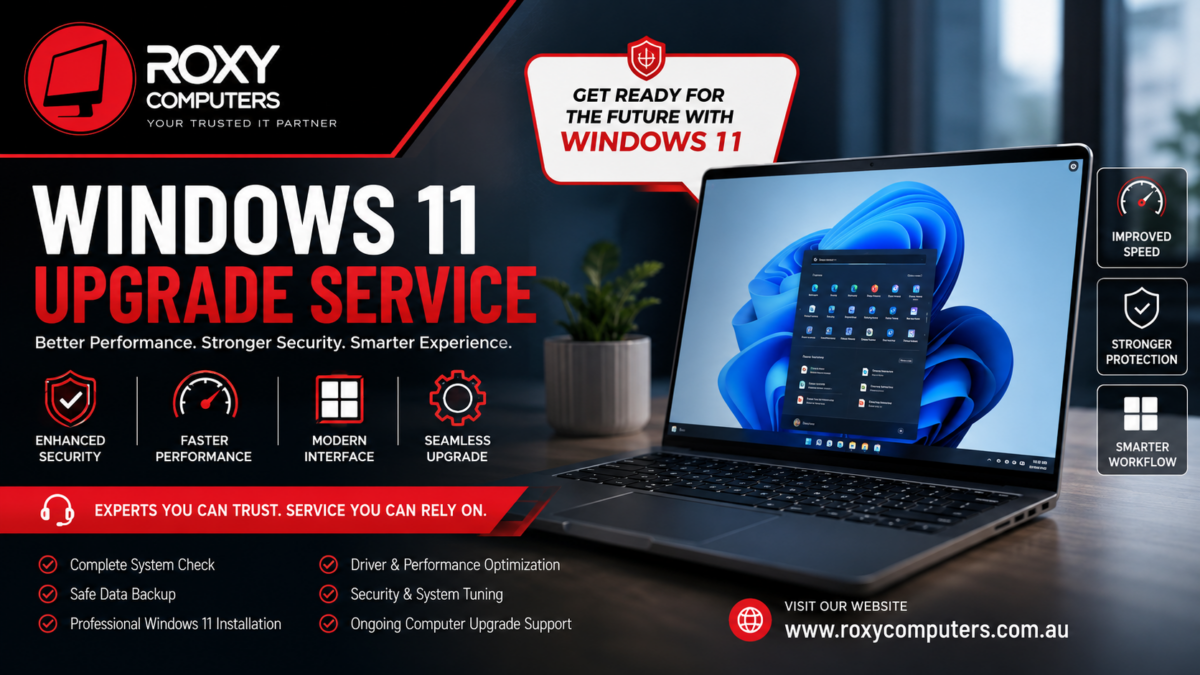
Windows 11 upgrade service

Tech changes fast. Operating systems get updates all the time, and those updates aren’t just fluff — they keep your files safer and your computer running better. If you’re still on an older version of Windows, upgrading to Windows 11 boosts security and performance by a mile. But let’s be honest: Installing a new operating system isn’t a walk in the park. Compatibility headaches, worries about your files, or quirky software issues can make it more stressful than it needs to be. 


This is where a professional Windows 11 upgrade service really makes a difference. Instead of crossing your fingers and hoping for the best, you get experts who actually check your system, point out any possible problems, and handle the whole upgrade without wrecking your files or putting work on hold. 


It doesn’t matter why you use your PC — work, school, binge-watching, or running a business — upgrading to Windows 11 means you get the newest features and keep your computer steady. 


Why Waiting on Windows Upgrades Causes Trouble 


A lot of people hesitate to upgrade. Maybe you’re worried about losing files or learning a new interface. That’s understandable, but sticking with an outdated system only creates bigger problems down the road. Here’s what often happens when you don’t upgrade: 


– New programs stop working, or don’t work right. 

– Hackers and viruses target older, unsupported systems. 

– Old drivers slow everything down, or features just stop working. 

– You miss out on tools in the new Windows that could actually make life easier. 

– Your PC crashes more or there’s software chaos because nothing’s really supported anymore. 


If you’re still running unsupported Windows, a Windows 11 upgrade service helps you dodge all of that and keeps your PC running smoothly. 


What’s New in Windows 11? Real Improvements You’ll Notice 


Windows 11 isn’t just a new coat of paint — it adds a lot that actually makes your life easier: 


– Security gets a serious upgrade. The system’s better at defending against new cyber threats. 

– Performance feels snappier thanks to tweaks under the hood. 

– The interface is modern and simpler to use — no hunting around for basic tools. 

– Multitasking is easier, like with Snap Layouts for juggling apps. 

– New programs are mostly designed for Windows 11, so you’re future-proofed. 


But even the best upgrade is only as good as its installation. To really get all the benefits, you need to make sure everything’s set up right — and that’s exactly what a pro handles. 


Why Going Pro With Your Windows 11 Upgrade Just Makes Sense 


Microsoft gives you the basic tools for upgrading, but that doesn’t mean every computer is actually ready to handle it. There are system requirements, storage limits, drivers, and a bunch of details that can trip you up. 


Professional techs start by evaluating your system — they don’t just jump in blind. Here’s what they do: 


– Check if your hardware meets Windows 11’s requirements. 

– Make sure your processor and TPM chip are compatible. 

– Confirm your key programs won’t break when you switch. 

– Create reliable backups so you don’t risk losing anything important. 

– Update drivers and fine-tune performance before you even notice a problem. 


At Roxy Computers, the team double-checks everything so the upgrade is smooth, fast, and doesn’t disrupt your day. 


The Risks of DIY Upgrades 


Sure, some people manage their own upgrades, but more often than not, they run into headaches like: 


– Installers crashing halfway through. 

– Missing drivers or devices that stop working. 

– Programs that suddenly won’t launch. 

– Important files lost because there wasn’t a proper backup. 

– Activation errors, leading to a non-genuine Windows warning. 

– Sluggish performance because something got skipped. 


When you let an expert handle it, they have a plan to avoid those pitfalls. They know the steps and common traps, so you get a working PC at the end. 


What You Get With Professional Upgrade Service 


Let’s break down what you actually get with a real PC upgrade service: 


– A full check to see if your hardware is ready. 

– Safe, complete backups so your files are protected. 

– Proper installation and activation of Windows 11. 

– Driver and hardware tweaks for maximum stability. 

– Post-install performance and security optimization. 

– Peace of mind, really. 


So you enjoy everything Windows 11 offers — minus the stress and guesswork. 


Keeping Your Computer Top Shape — Even After the Upgrade 


Upgrading is step one. After that, you still need to look after your computer. Regular care keeps it running its best: 


– Stay on top of system and security updates. 

– Uninstall useless programs eating up memory or storage. 

– Run malware scans just in case. 

– Keep an eye on storage space. 

– Reboot every now and then to keep things fresh. 

– If something seems off, don’t wait — call in expert support. 


Pairing pro support with these tips keeps your PC reliable for the long haul. 


Why Pick Roxy Computers? 


Picking the right people for your Windows 11 upgrade is everything. With Roxy Computers, you get: 


– Skilled techs who’ve seen every scenario. 

– Full system checks and compatibility reviews. 

– Safe, secure data backup as priority one. 

– A pro install and activation process. 

– Personalized advice for your actual needs, not just generic fixes. 

– Help when you need it, whether it’s a quick question or a deeper issue. 


It’s not just about installing Windows 11. It’s about making sure your computer runs smoothly, safely, and efficiently going forward. 


Final Thoughts 


Moving to a new operating system is a big deal. If you try to muddle through it alone, little issues can turn into big problems fast. A professional Windows 11 upgrade service ensures you don’t lose files, run into driver nightmares, or deal with performance drops. The right help, from the initial checks to aftercare, means you’ll see all the benefits of Windows 11 immediately — with none of the usual worry. 


With Roxy Computers, you don’t just keep up. You get ahead, on a computer that’s ready for tomorrow. 


Frequently Asked Questions 


  1. Why upgrade to Windows 11?

Windows 11 brings better security, faster performance, smart new features, and works well with the latest software. It’s a big step up from older versions. 


  1. Can every computer run Windows 11?

No, not every computer makes the cut. You need a compatible processor, TPM, and enough memory and storage. 


  1. Will upgrading erase my files?

Upgrades usually keep your files, but with a professional backup, you don’t have to worry about data loss. 


  1. How long does a Windows 11 upgrade take?

It depends on your computer and how much needs to be configured, but a professional service gets it done faster and smoother. 


  1. Why choose a professional service?

Techs check all the details, back up your files, solve issues, and tune your system for best performance — so you get the upgrade done right. 

Categories
Blog

Laptop Screen Repair Melbourne – Smart Solution Guide

Screen issues in a laptop often show up over time. The reason can be internal problems or physical damage. If you are relying on your laptop for everyday tasks, a screen issue can cause major trouble for you. If you see flickering screen lights, cracks, or a black screen, you might need to contact a repair expert. The right technical approach can solve the problem quickly and help avoid long-term disruption to work.

Professional assessment often reveals that a repair is sufficient, and it saves both time and cost. So when you see problems with the screen, don’t just assume and go for a replacement. Talk to a professional first and see if the issue can be solved with a repair. A trusted centre can help you with a convenient and seamless experience in laptop screen repair Melbourne. Understanding the nature of screen damage is important before deciding on repair or replacement.

Common Laptop Screen Problems and What They Indicate

One of the most common problems in laptops is a cracked screen. This issue generally affects only the outer layer, although it can sometimes extend to internal LCD damage. Flickering screens are another frequent issue, often caused by loose internal connections or display faults rather than full hardware failure. If these issues arise, you might need to contact professionals for computer repair Melbourne North.

Other problems include several visible or performance-related screen faults, such as:

Dead pixels, where small areas of the display stop working and remain discoloured or black.
Backlight failure, causing the screen to appear very dim or completely dark even when powered on.
Vertical or horizontal lines indicating internal display or connection issues.

During laptop screen repair Melbourne technicians distinguish surface damage from internal hardware problems to recommend solutions carefully. Importantly, not every visible issue requires full replacement. Many faults are repairable when diagnosed correctly.

Repair vs Replacement – Choosing the Right Solution

Deciding whether to repair or replace a laptop screen mainly depends on how serious the damage is. In many cases, a repair can bring the screen back to normal without needing a full replacement. Problems like loose display cables, small internal faults, or temporary signal issues are often simple fixes when checked by an experienced technician.
Repair is usually the right option when you notice:
Screen flickering caused by connection issues
Minor internal display faults
Intermittent display problems without visible damage
Replacement becomes necessary when the damage is permanent or physical, such as:
Deep cracks reaching the LCD panel
A completely black or non-responsive screen
Visible impact damage affecting usability
You may need to locate laptop screen replacement Roxburgh Park if you notice these symptoms. Choosing repair first can save time and money while reducing electronic waste. Proper assessment by a professional helps you avoid unnecessary replacement and ensures the most practical solution for your laptop.

Laptop Screen Repair Melbourne – Know How Professionals Help

Professional laptop screen repair Melbourne services usually start with a detailed inspection to understand whether the problem comes from the screen itself or internal hardware. Technicians check display cables, hinges, connectors, and panel condition to locate the exact fault, since similar screen symptoms can have different underlying causes. A proper assessment helps avoid unnecessary replacements and saves both time and cost.

The repair process commonly involves:

Inspecting the screen and internal display connections
Testing cables, graphics output, and related components
Fixing loose connections or minor hardware faults
Replacing the screen only when repair is not possible
Performing final testing to confirm stable display performance

At Roxy Computers, the repair process is handled by experienced technicians familiar with major laptop brands, including Apple, Dell, HP, Acer, Asus, Samsung, Sony, and Toshiba. Speaking with a qualified technician ensures accurate diagnosis, clear guidance, and a reliable laptop screen repair outcome that restores everyday usability.

Choose Local Repair Specialists for Laptop Screen Repair

Choosing a local repair service offers several advantages, especially when dealing with urgent laptop screen problems. Local technicians often provide faster turnaround times compared to large manufacturer repair centres, helping users return to work or study without long delays. Convenience is another important factor, as nearby locations make drop-off and pickup easier and more accessible for customers.

Key benefits of choosing local repair specialists include:

Faster service with flexible repair timelines
Easier communication and personalised customer support
Transparent pricing and practical repair solutions
Reliable workmanship focused on long-term results

When searching for affordable computer repair near me, local providers are often more cost-effective while still maintaining strong quality standards. Many Melbourne North technicians also offer warranty-backed services. Roxy Computers follows a structured repair approach and provides a 12-month replacement warranty, giving customers added confidence after the repair is completed.

Laptop screen issues can feel serious at first, but many of them are repairable when properly diagnosed. Understanding the difference between repair and replacement helps users avoid unnecessary costs and downtime. With the right technical expertise, most screen problems can be resolved efficiently, restoring the laptop to full functionality. Find experts for laptop screen repair Melbourne and get an accurate diagnosis of the issues, followed by reliable results. You can even receive a warranty-backed protection from a trusted service provider.

Frequently Asked Questions (FAQs)

1. What causes laptop screen damage?
Laptop screens can be damaged due to external and internal problems, such as accidental drops, pressure on the lid, internal cable faults, or long-term wear and tear. Among these, physical impact is the most common cause.

2. Can a cracked laptop screen be repaired?
It depends on the severity. Minor internal issues may be repairable, but deep cracks usually require screen replacement.

3. How long does laptop screen repair take?
Most repairs are completed within the same day or a few days, depending on the complexity and availability of parts.

4. Is laptop screen repair expensive in Melbourne?
Costs vary based on the issue, but repair is generally more affordable than full screen replacement or manufacturer servicing.

5. How can I avoid screen damage in the future?
Using a protective case, handling the laptop carefully, and avoiding pressure on the lid can significantly reduce the risk of damage.

Categories
Blog

How to Make Your Computer Faster?

If you are looking for ways to make your computer faster, as a computer repair and It Servicers business we have provided some advice below. Advice on How to Make Your Computer Faster RAM Before you go rushing out to buy more ram, consider the following… All components in a computer work together. Thus if ..

Categories
Blog

What Skills Does a Computer Technician Need?

The job of a computer technician is not easy. A successful computer technician needs to have a very high degree of technical knowledge and abilities as well as good communication skills. This is particularly true if the technician is working for the general public and small to medium businesses. In a large business a computer.

Categories
Blog

What is a Computer Technician?

A computer technician is an individual who identifies, troubleshoots and resolves computer problems. Computer technicians possess skilled knowledge, hands-on experience and different tools to repair and maintain computer hardware, software and network/Internet issues. A computer technician is also known as a PC technician or PC repair technician.