Welcome to Roxy Computers


Visit US
35 Malabar St, Roxburgh Park VIC 3064

Call Us Now
04077 33 333

We are now officially Dell Authorized Partner.
35 Malabar St, Roxburgh Park VIC 3064
We are now officially Dell Authorized Partner.

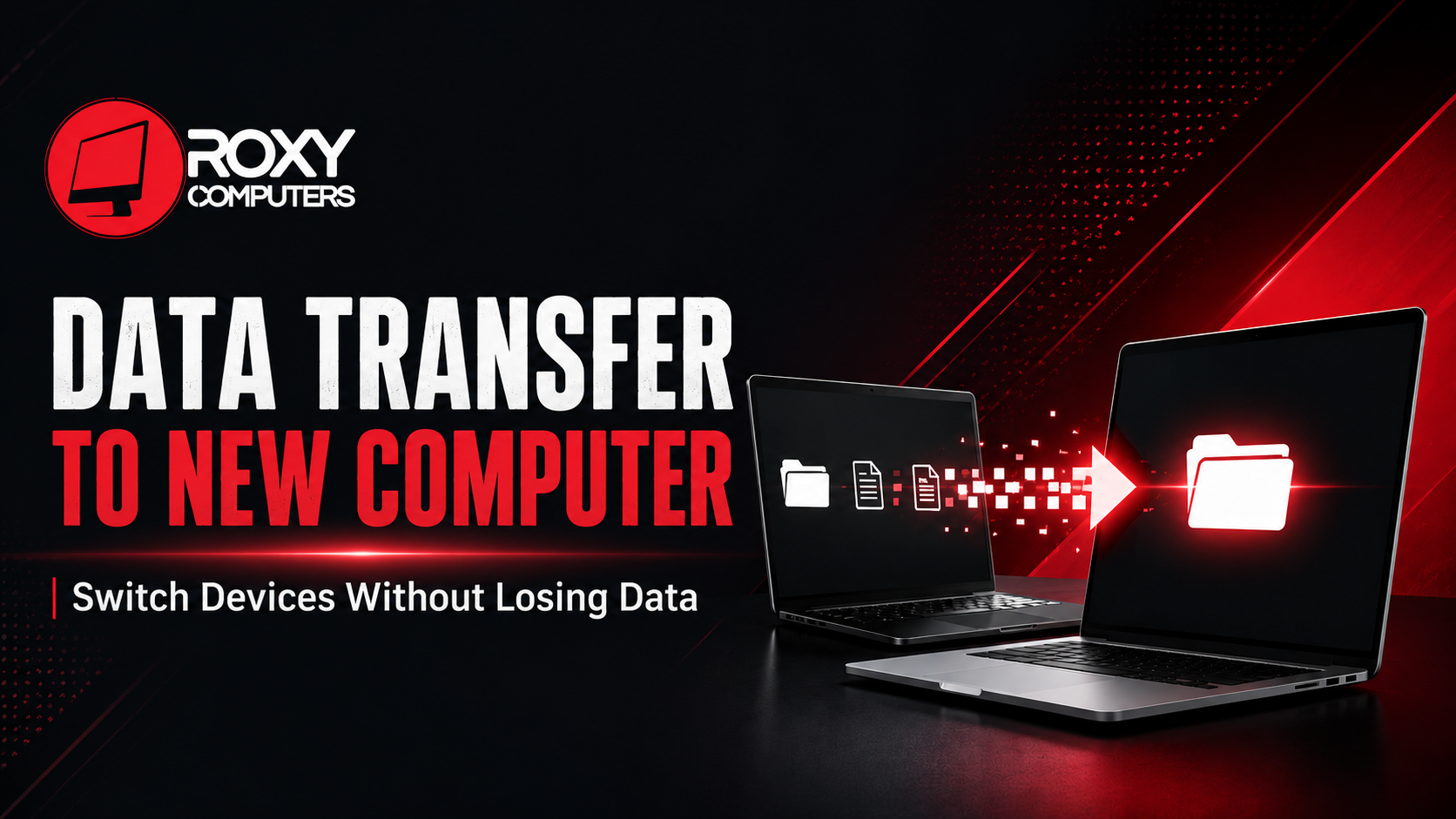
Buying a new computer is all exciting. But it might be a daunting task to move important data from the old system. Your data is not only about photos, videos, and documents. It goes beyond that, making the process complex sometimes. You have your passwords and personal preferences saved on the old device. There are emails, browser settings, and software licenses. If you miss any one of these pieces of data, you might face inconvenience and have to set things up manually again.
Data transfer to new computer is not simply copying files from your old device to the new one. You need to understand what needs to be transferred and what exact steps to follow. You need to consider certain security measures before switching devices. Moreover, once your files are transferred, your new system may need re–installation and configuration. Managing everything on your own can be challenging and take much of your time and effort. This is where professionals help.
Roxy Computers has a skilled team of technicians who help with data transfer to new devices. Here, you get assistance with Microsoft Office installation and complete PC setup. With the right preparation and expert support, you can have a smooth, secure, and hassle-free experience.
Know Why You’re Switching Your Device in the First Place
Computers can slow down eventually, affecting your everyday use. But replacing it is not the first option. You must be clear about what you want in your new system, so that you can decide whether to get your old computer fixed or get a new one. If replacement seems like a better choice, you will have to plan for data transfer early.
You can consider these reasons before switching to a new device:
Besides these factors, your current requirements in work, studies, and personal use may not align with your old system’s features. This is one of the most common reasons people switch computers.
A computer running slow can disrupt your work. Sometimes this issue can be solved with simple system optimisation and hardware upgrades. But if you notice repeated problems, you can invest in a new computer. It will be a more practical choice for the long term.
However, before you make any decision, it is better to get your computer assessed by professional technicians. It will help you determine if your system needs a repair, an upgrade, or a complete replacement. After analysing different factors, you can opt for a new system. But before that, you will have to think about what files, settings, and applications need to be transferred to the new device.
Stay Organised Before Data Transfer to New Computer
When moving files to a new computer, you will find options for automatic transfer. Most of the time, people choose this option, thinking it will save time and do the work efficiently. But it is not as efficient as manual selection.
You would not want your new device to be filled with irrelevant files and features, as it can result in your computer running slow. If you want a fresh and smooth start, you should always review and remove unnecessary files. This will help your new system stay clutter-free.
Learn how to keep your new device organised.
If you find these steps complicated, take professional assistance. Professional computer data transfer Melbourne services can help you identify and transfer all the important files safely to a new computer.
Remember That Your Data Is More Than Just Files
During data transfer to new computer, you may think about your photos and documents only. But many important details are often hidden in the background.
Know what to include:
Missing these details can result in unexpected inconvenience. If you are unsure of how to handle and transfer these files, you must seek professional data transfer services Roxburgh Park. Experienced technicians will help you identify and transfer all your essentials to the new system and make it ready for everyday use.
Plan the Transfer Before You Start
A successful move is not only about how quickly you can do it. It depends on how well it is planned.
Before you start transferring, check for these things:
In case there are intermittent issues or hardware failure in the old computer, you must not delay data transfer to new computer. Delaying would risk your data for permanent loss. Also, you must not try transferring everything on your own if you don’t have prior experience. Talk to a professional and follow a systematic procedure for safe results.
Moving to a new computer is easier when you know what and how to transfer your data. A little planning goes a long way. When you plan it right, you get your new device ready to use right after the transfer, so that you can carry on with your daily tasks. At Roxy Computers, your data is transferred with necessary safety and security measures. From moving your files to setting up your new system, we handle it all to make things stress-free. You get complete assurance of your device’s performance afterwards. For optimum convenience, contact our team and switch to your new computer with confidence.
Frequently Asked Questions (FAQs)
The duration generally depends on the amount of data and also the transfer method. It can take a few hours or even longer.
Not always. You can transfer your personal files. But many applications cannot be transferred the same way, requiring re–installation on the new system with the activation key.
Yes. A backup is a crucial step if you don’t want to risk losing your data. It keeps your data protected and gives you peace of mind during the transfer.
Often, yes. If the storage drive is still accessible, professionals can usually recover and transfer important files.
We can transfer most files, settings, and personal data to your new device. However, some programs may need re–installation, updates, or licence activation.