Welcome to Roxy Computers


Visit US
35 Malabar St, Roxburgh Park VIC 3064

Call Us Now
04077 33 333

We are now officially Dell Authorized Partner.
35 Malabar St, Roxburgh Park VIC 3064
We are now officially Dell Authorized Partner.

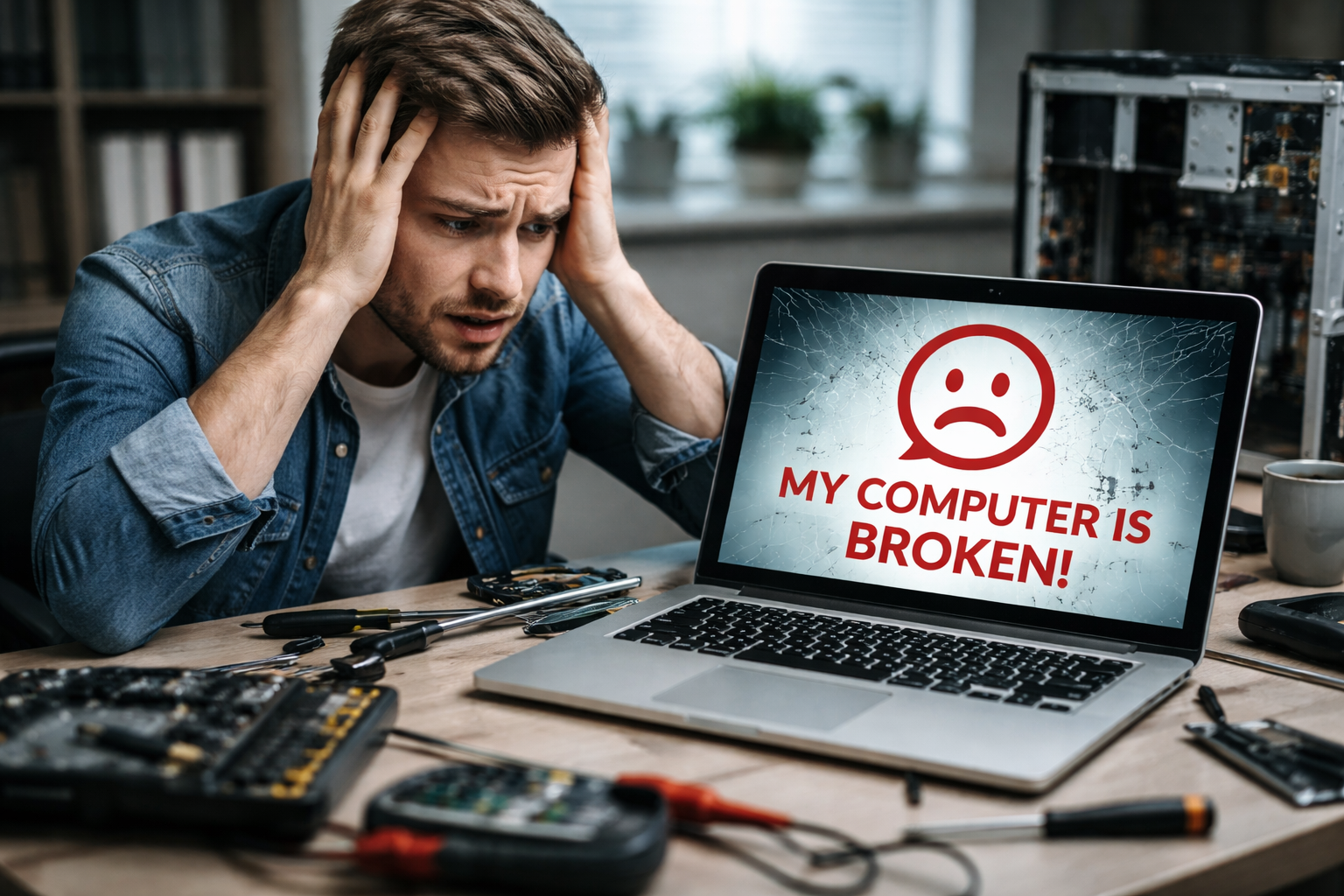
A personal computer is what we all rely on in today’s date for most of our work, be it for office purposes or for personal work. Connectivity, remote task management, everything is easier when you have your PC in the right working condition. As you depend on the device to perform several tasks in a day, even minor technical problems can create big trouble for you.
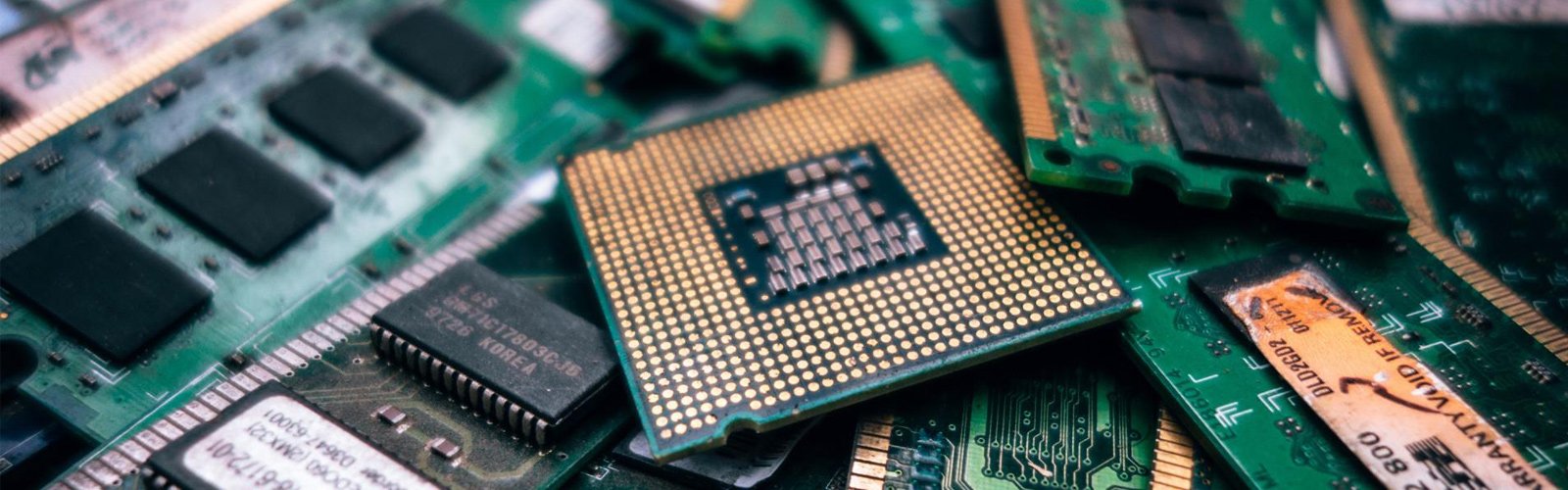
If you come across hardware problems related to the display, battery, keyboard, and other physical components, sometimes repair might not work. It often becomes necessary to replace parts. Replacement of hardware components in laptops is usually more complex compared to that of desktops. Moreover, it can disrupt your daily work during the replacements. When you suddenly discover my laptop screen is broken, it might feel frustrating, especially when you don’t have the expertise to fix it. That is when you need professionals. You can get your laptop fixed with minimal downtime by reaching out to an expert.
Why Laptop Screens Get Damaged? Know The Common Causes
Screen or display issues might not feel alarming at first. It can start with some warning signals like cracks or lines appearing on the screen or the display light being dimmed. When you overlook the warning signals, it is likely that the problem will worsen. If you cannot turn on the screen, you might need a laptop repair.
However, when you know the preventive measures, you can avoid severe damage to the laptop display by using it carefully. If the screen breaks, the reason is not always external; it is often the result of persistent internal damage. Some common external and internal causes are:
Damage can also happen due to manufacturing wear when you use the device for years. However, there are always warning signs before complete failure. You might notice dead pixels, flickering or flashing visuals, or similar things. Early assessment of the problem helps you decide better on whether you need professional help or not.
Just Found Out My Laptop Screen Is Broken? Top Quick Fixes
Before you rush into repair or screen replacement services, check if you can make it work on your own. When you find out my laptop screen is broken, follow these basic checks and perform quick fixes.
If you do not have the needed technical knowledge to follow these steps, it is ideal that you don’t risk DIY fixes. If there is a serious internal issue, wrong attempts can worsen the damage. Modern laptops have a delicate build. It is safer for you to connect with a professional to identify and solve the display issue. Find a Laptop repair shop near me and get expert services. Once basic troubleshooting fails, you should definitely rely on professionals.
Inside Professional Laptop Screen Replacement Services
It is important to find qualified technicians to get the broken screen repaired with minimal downtime. Experts follow precise and safe procedures. Here is how professionals work:
At a widely trusted repair centre like Roxy Computers, technicians excel at working with different laptop brands. Whether you are using Dell, Apple, Asus, Acer, HP, Samsung, Toshiba, Sony, or other brands, you can get the best replacement results, even with a long-term warranty.
So, if you find that my laptop screen is broken, connect with professionals instead of wasting your time and effort. Adept technicians make sure that the internal components remain safe while they restore the screen functionality.
Choose Expert Screen Replacement Service for Reliable Results
Finding the right repair and replacement service provider can be challenging. When you see that my laptop screen is broken, remember to choose a service provider who offers quick turnaround time and transparency in the process. Here is what you should look for:
Check if the services are available for your specific laptop brand. Look for testimonials to find a trustworthy replacement centre. At Roxy Computers, you can find the lowest price possible, that too while ensuring high-quality service and a 12-month warranty on the replacement parts. You need a reliable service provider to avoid future difficulties with the replaced screen. Get warranty-backed Laptop repair in Melbourne by choosing the right repair centre. You can get the display fixed without long delays or disruptions in day-to-day tasks. A responsible service provider doesn’t just fix the broken screen; they often offer a warranty and ongoing services to make sure that your laptop performs well and the display remains in perfect working condition.
Frequently Asked Questions (FAQs)
It is generally not safe to use a laptop with a broken screen, mainly because when one component is damaged and not repaired in time, it can cause damage to other components over time. With a broken screen, visibility becomes a problem. So you must get it fixed at your earliest convenience.
If the issue is minor, like a software glitch or loose cables, the screen can work fine after some quick fixes. But if there is severe internal or physical damage, it almost always needs replacement.
Check if the screen has lines, cracks, or black spots. These are signs that your screen needs to be replaced. If the screen does not turn on when you switch on the laptop, it can be a sign of a damaged screen panel, requiring a complete replacement.
Laptop screen replacement is a quick procedure, especially if done by experts. It generally takes about 30 minutes in most cases. However, diagnosing critical issues sometimes takes several hours.
Look for certified repair centres always. If you contact Roxy Computers, you will get access to experienced technicians. Moreover, the pricing is transparent, the replacement parts are genuine, the downtime is minimal, and the service is backed by a 12-year warranty.