Welcome to Roxy Computers


Visit US
35 Malabar St, Roxburgh Park VIC 3064

Call Us Now
04077 33 333

We are now officially Dell Authorized Partner.
35 Malabar St, Roxburgh Park VIC 3064
We are now officially Dell Authorized Partner.
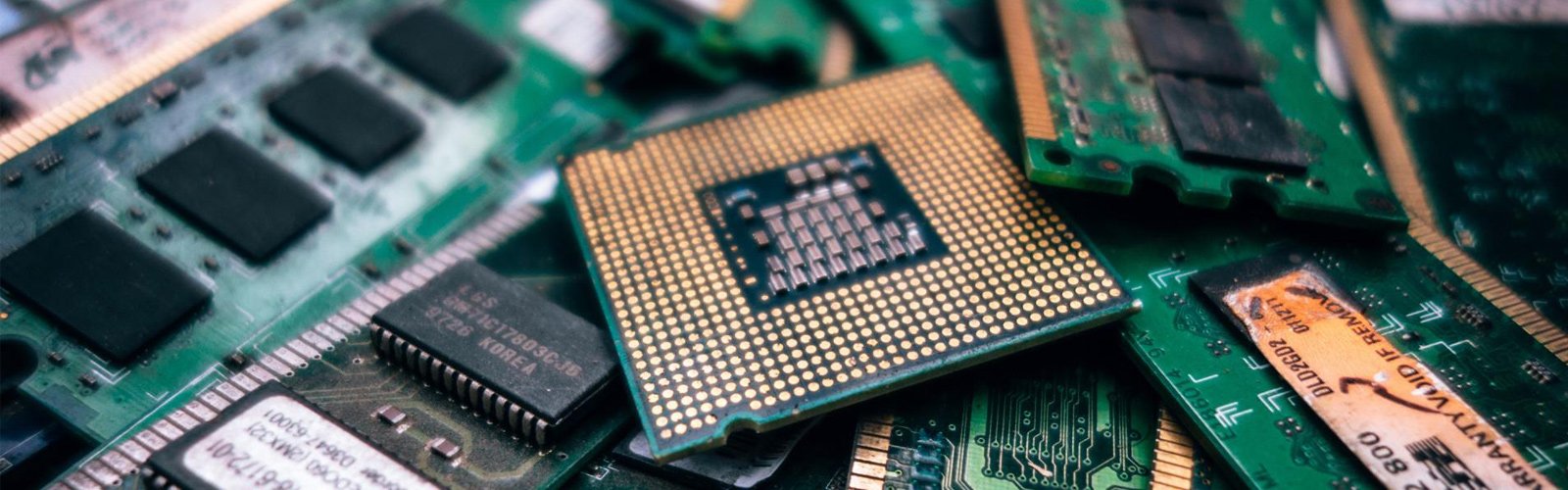

Computers develop performance and system stability issues over time; this is quite common. There can be several reasons behind this — software conflicts, outdated systems, ageing hardware, and so on. Whenever a computer starts behaving unusually, the first thing that comes to mind is a malware attack. To identify malicious software and to restore a safe and secure system, you can opt for professional virus removal PC.
This blog covers different areas — how malware can affect system performance, why its symptoms can be difficult to notice, why professional support matters, and how you can keep your system maintained to prevent security risks.
Malware operates but doesn’t attract attention — it is designed this way. The malicious programs run continuously in the background — consume system resources — and gradually start affecting the speed and overall performance of everyday tasks.
If these disruptions persist, it is important to identify the root cause. Get your system assessed and know if malware is responsible for the issues before they get more serious. Talk to a professional for virus removal PC. It can restore normal system performance effectively.
Malware does not always produce obvious warnings. You may notice some recurrent signs, or suddenly your PC won’t turn on. You can’t determine the actual cause simply by looking at one symptom.
Insufficient memory, storage limitations, software problems, ageing components — these issues are quite common. They can have multiple underlying causes, not necessarily a malware attack, and this is what makes it difficult to recognise the reason instantly.
Some malicious programs deliberately operate quietly. As a result, it becomes difficult for the user to recognise unusual resource usage or network activity.
You can seek solutions for a slow computer fix. But the symptoms are not always about speed and performance. Browser redirects, unexpected pop-ups, unfamiliar programs, altered settings — malware can also contribute to these symptoms.
At Roxy Computers, we have a dedicated team of adept technicians. You can come with any type of virus and malware issues and get your system fixed. We restore reliable performance and help you keep your computer safe from potential security threats.
When it’s difficult for you to identify the signs and find the root cause, you must seek professional help. Experts will assess your system thoroughly and provide dependable service for virus removal.
This is why you need a professional:
Ongoing Windows Security Support and Maintenance
Removing an infection doesn’t solve the problem. To keep your system safe and secure, you need ongoing support. Keeping Windows current is also a part of the process. This can also work for slow computer fix. Security improvements and compatibility updates — latest versions receive both and help keep your computer protected.
Taking computer security seriously means looking beyond immediate symptoms — you must consider the wider health of your system. If you suspect malicious activity, choose timely virus removal PC support — prevent a minor concern from developing into a more disruptive technical problem.
Roxy Computers provides professional support for malware and other types of security threats. You can get your system checked by our experts, receive suitable solutions and recommendations on maintaining a secure and high-performing computer.
Frequently Asked Questions (FAQs)
This is how malware can affect your system — consume system resources, interfere with applications, alter settings, disrupt network activity, and affect normal system operations. All these can happen without obvious warning.
Common signs include these — unexpected pop-ups, browser redirects, unfamiliar programs, unusual system behaviour, unexplained errors and suspicious network activity.
If the malware infection is severe, it can interfere with essential Windows processes or system files. The result can be crashes, startup failures or other serious operating problems.
Seek professional help when unusual behaviour persists, and you don’t have the right technical expertise to identify and solve the issues. Not only after experiencing security concerns, but you should maintain regular system checks to keep your computer secure.
Yes, Windows updates can help protect against malware. Addressing known security vulnerabilities, strengthening system protection, and improving compatibility — this is how updates reduce opportunities for malware infection.