

Categories
Uncategorized

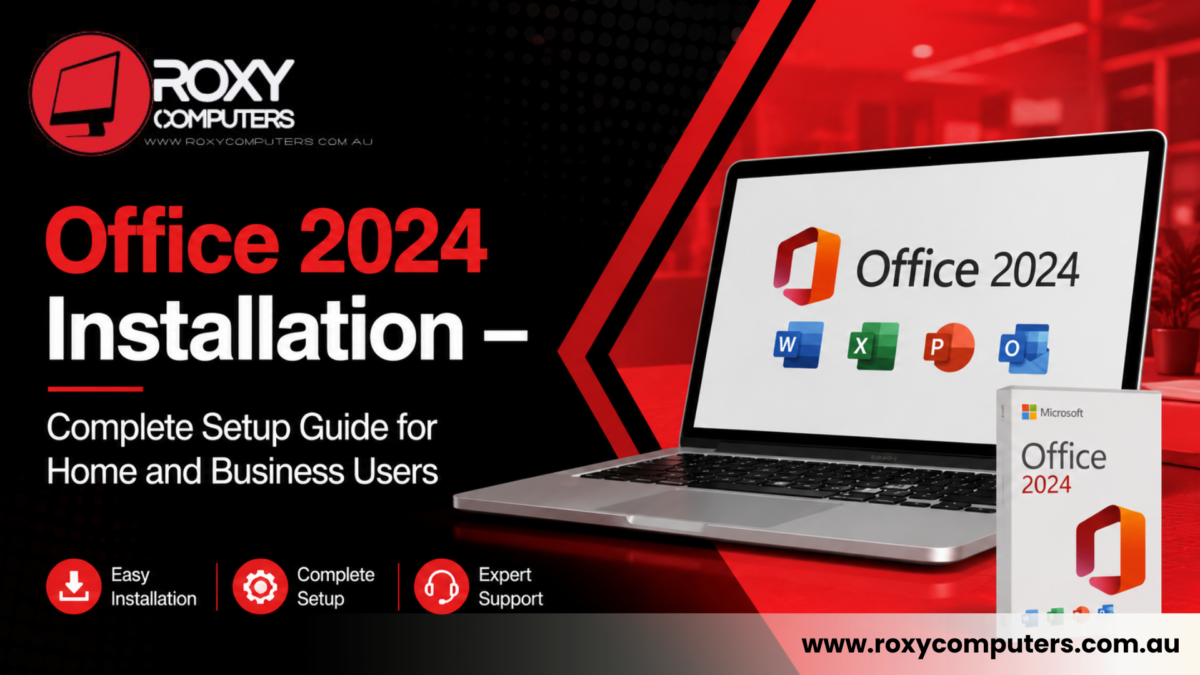
Office 2024 Installation – Complete Setup Guide for Home and Business Users

Microsoft Office remains one of the most widely used productivity suites for businesses, students, and home users. From creating documents and spreadsheets to managing emails and presentations, Office applications play an important role in daily work. However, installing and configuring the software correctly is essential to ensure smooth performance and access to all features. 

If you have recently purchased Office 2024 or are planning an upgrade, professional assistance can help simplify the process. A proper Office 2024 installation ensures that the software is activated correctly, configured securely, and ready for immediate use. Whether you are installing Office on a personal laptop, desktop computer, or business workstation, understanding the setup process can save time and prevent technical issues. 

At Roxy Computers, experienced technicians help users complete Office installations efficiently while ensuring compatibility and optimal performance. 


Why Proper Office 2024 Installation Matters 

Many users assume that installing Microsoft Office is a simple process. While the software is designed to be user-friendly, installation problems can still occur. Issues such as activation errors, compatibility conflicts, incomplete downloads, and incorrect account setup can prevent users from accessing the full functionality of the software. 

A successful Office 2024 installation allows users to: 

  • Access all Office applications immediately  
  • Receive future updates and security patches  
  • Activate licensed software correctly  
  • Synchronise files through Microsoft services  
  • Avoid installation and activation errors  

Professional installation also helps businesses ensure that multiple devices are configured consistently and securely. 


What Is Included in Office 2024? 

Office 2024 includes a range of applications designed to improve productivity for personal and professional use. Depending on the version purchased, users may have access to several essential programs. 

Common Office applications include: 

Microsoft Word 

Used for creating reports, letters, contracts, and professional documents. 

Microsoft Excel 

Provides advanced spreadsheet functionality for calculations, budgeting, reporting, and data management. 

Microsoft PowerPoint 

Allows users to create presentations for meetings, training sessions, and educational purposes. 

Microsoft Outlook 

Helps manage emails, calendars, contacts, and appointments efficiently. 

Microsoft OneNote 

Provides digital note-taking and organisational tools. 

A proper Office 2024 installation ensures that all purchased applications are available and functioning correctly from day one. 


Common Problems During Office Installation 

Although Microsoft has streamlined the installation process, users may still encounter various technical issues. 

Some common installation problems include: 

Activation Errors 

Incorrect account details or licence issues can prevent software activation. 

Compatibility Conflicts 

Older operating systems or existing software may create installation conflicts. 

Incomplete Downloads 

Internet interruptions can result in corrupted or incomplete installation files. 

Existing Office Versions 

Previous Office installations may interfere with the new version if not removed properly. 

Sign-In Issues 

Problems with Microsoft account verification can delay activation and setup. 

Professional technicians can quickly identify and resolve these problems, helping users avoid unnecessary frustration. 


Office 2024 Installation – Step-by-Step Process 

A successful installation involves more than simply downloading software. Several important steps help ensure the system operates efficiently. 

Licence Verification 

Before installation begins, users must confirm that they have a valid Office 2024 licence and Microsoft account access. 

System Compatibility Check 

The device should meet Microsoft’s recommended hardware and operating system requirements. 

Software Download 

The installation files are downloaded directly from Microsoft’s official platform to ensure security and authenticity. 

Installation and Configuration 

Office applications are installed and configured according to the user’s requirements. 

Activation 

The software licence is activated using the user’s Microsoft account credentials. 

Updates and Testing 
Categories
Blog

Laptop Screen Repair Melbourne – Smart Solution Guide

Screen issues in a laptop often show up over time. The reason can be internal problems or physical damage. If you are relying on your laptop for everyday tasks, a screen issue can cause major trouble for you. If you see flickering screen lights, cracks, or a black screen, you might need to contact a repair expert. The right technical approach can solve the problem quickly and help avoid long-term disruption to work.

Professional assessment often reveals that a repair is sufficient, and it saves both time and cost. So when you see problems with the screen, don’t just assume and go for a replacement. Talk to a professional first and see if the issue can be solved with a repair. A trusted centre can help you with a convenient and seamless experience in laptop screen repair Melbourne. Understanding the nature of screen damage is important before deciding on repair or replacement.

Common Laptop Screen Problems and What They Indicate

One of the most common problems in laptops is a cracked screen. This issue generally affects only the outer layer, although it can sometimes extend to internal LCD damage. Flickering screens are another frequent issue, often caused by loose internal connections or display faults rather than full hardware failure. If these issues arise, you might need to contact professionals for computer repair Melbourne North.

Other problems include several visible or performance-related screen faults, such as:

Dead pixels, where small areas of the display stop working and remain discoloured or black.
Backlight failure, causing the screen to appear very dim or completely dark even when powered on.
Vertical or horizontal lines indicating internal display or connection issues.

During laptop screen repair Melbourne technicians distinguish surface damage from internal hardware problems to recommend solutions carefully. Importantly, not every visible issue requires full replacement. Many faults are repairable when diagnosed correctly.

Repair vs Replacement – Choosing the Right Solution

Deciding whether to repair or replace a laptop screen mainly depends on how serious the damage is. In many cases, a repair can bring the screen back to normal without needing a full replacement. Problems like loose display cables, small internal faults, or temporary signal issues are often simple fixes when checked by an experienced technician.
Repair is usually the right option when you notice:
Screen flickering caused by connection issues
Minor internal display faults
Intermittent display problems without visible damage
Replacement becomes necessary when the damage is permanent or physical, such as:
Deep cracks reaching the LCD panel
A completely black or non-responsive screen
Visible impact damage affecting usability
You may need to locate laptop screen replacement Roxburgh Park if you notice these symptoms. Choosing repair first can save time and money while reducing electronic waste. Proper assessment by a professional helps you avoid unnecessary replacement and ensures the most practical solution for your laptop.

Laptop Screen Repair Melbourne – Know How Professionals Help

Professional laptop screen repair Melbourne services usually start with a detailed inspection to understand whether the problem comes from the screen itself or internal hardware. Technicians check display cables, hinges, connectors, and panel condition to locate the exact fault, since similar screen symptoms can have different underlying causes. A proper assessment helps avoid unnecessary replacements and saves both time and cost.

The repair process commonly involves:

Inspecting the screen and internal display connections
Testing cables, graphics output, and related components
Fixing loose connections or minor hardware faults
Replacing the screen only when repair is not possible
Performing final testing to confirm stable display performance

At Roxy Computers, the repair process is handled by experienced technicians familiar with major laptop brands, including Apple, Dell, HP, Acer, Asus, Samsung, Sony, and Toshiba. Speaking with a qualified technician ensures accurate diagnosis, clear guidance, and a reliable laptop screen repair outcome that restores everyday usability.

Choose Local Repair Specialists for Laptop Screen Repair

Choosing a local repair service offers several advantages, especially when dealing with urgent laptop screen problems. Local technicians often provide faster turnaround times compared to large manufacturer repair centres, helping users return to work or study without long delays. Convenience is another important factor, as nearby locations make drop-off and pickup easier and more accessible for customers.

Key benefits of choosing local repair specialists include:

Faster service with flexible repair timelines
Easier communication and personalised customer support
Transparent pricing and practical repair solutions
Reliable workmanship focused on long-term results

When searching for affordable computer repair near me, local providers are often more cost-effective while still maintaining strong quality standards. Many Melbourne North technicians also offer warranty-backed services. Roxy Computers follows a structured repair approach and provides a 12-month replacement warranty, giving customers added confidence after the repair is completed.

Laptop screen issues can feel serious at first, but many of them are repairable when properly diagnosed. Understanding the difference between repair and replacement helps users avoid unnecessary costs and downtime. With the right technical expertise, most screen problems can be resolved efficiently, restoring the laptop to full functionality. Find experts for laptop screen repair Melbourne and get an accurate diagnosis of the issues, followed by reliable results. You can even receive a warranty-backed protection from a trusted service provider.

Frequently Asked Questions (FAQs)

1. What causes laptop screen damage?
Laptop screens can be damaged due to external and internal problems, such as accidental drops, pressure on the lid, internal cable faults, or long-term wear and tear. Among these, physical impact is the most common cause.

2. Can a cracked laptop screen be repaired?
It depends on the severity. Minor internal issues may be repairable, but deep cracks usually require screen replacement.

3. How long does laptop screen repair take?
Most repairs are completed within the same day or a few days, depending on the complexity and availability of parts.

4. Is laptop screen repair expensive in Melbourne?
Costs vary based on the issue, but repair is generally more affordable than full screen replacement or manufacturer servicing.

5. How can I avoid screen damage in the future?
Using a protective case, handling the laptop carefully, and avoiding pressure on the lid can significantly reduce the risk of damage.