
Welcome to Roxy Computers


Visit US
35 Malabar St, Roxburgh Park VIC 3064

Call Us Now
04077 33 333

We are now officially Dell Authorized Partner.
35 Malabar St, Roxburgh Park VIC 3064
We are now officially Dell Authorized Partner.


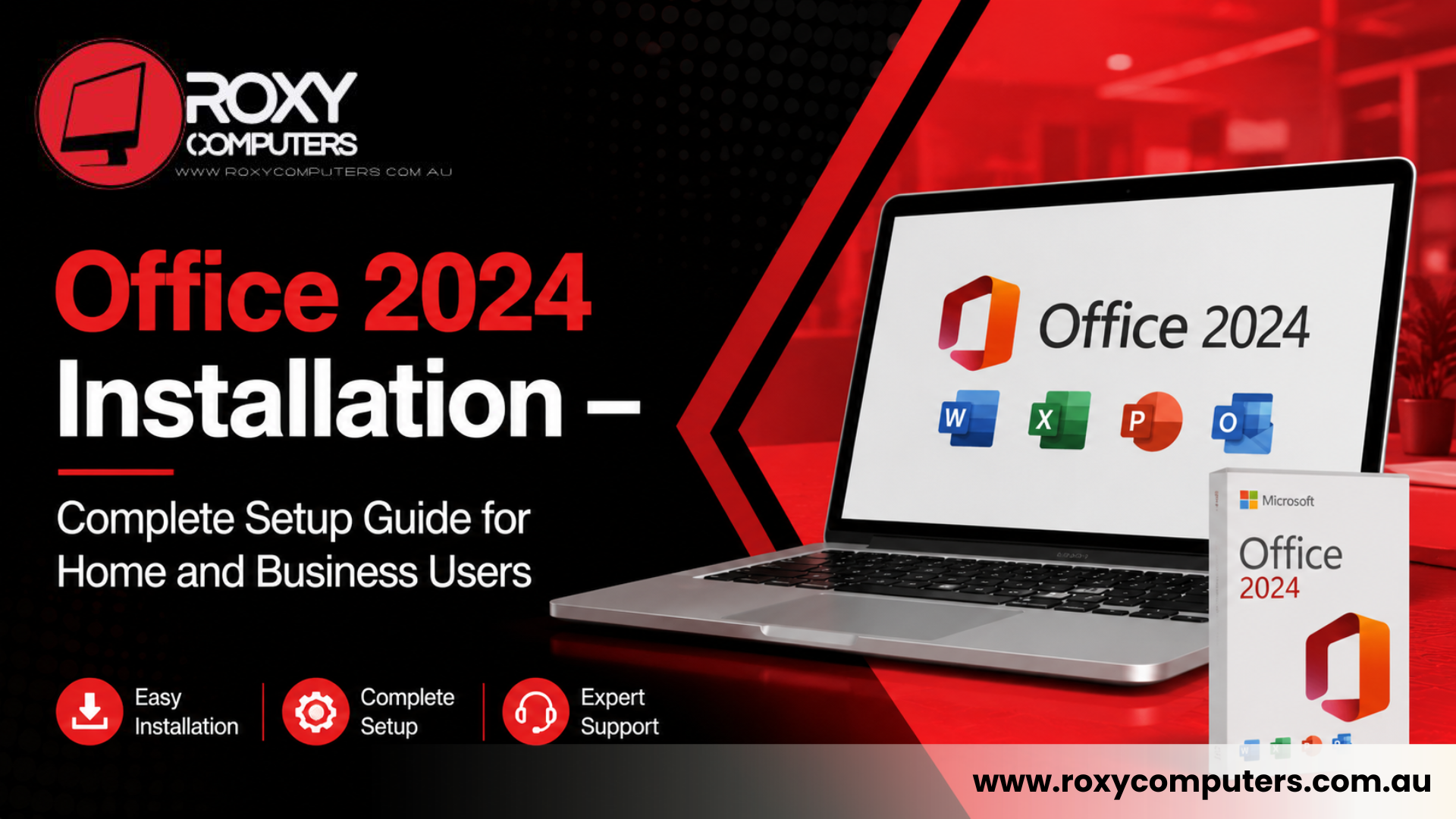
Microsoft Office remains one of the most widely used productivity suites for businesses, students, and home users. From creating documents and spreadsheets to managing emails and presentations, Office applications play an important role in daily work. However, installing and configuring the software correctly is essential to ensure smooth performance and access to all features.
If you have recently purchased Office 2024 or are planning an upgrade, professional assistance can help simplify the process. A proper Office 2024 installation ensures that the software is activated correctly, configured securely, and ready for immediate use. Whether you are installing Office on a personal laptop, desktop computer, or business workstation, understanding the setup process can save time and prevent technical issues.
At Roxy Computers, experienced technicians help users complete Office installations efficiently while ensuring compatibility and optimal performance.
Why Proper Office 2024 Installation Matters
Many users assume that installing Microsoft Office is a simple process. While the software is designed to be user-friendly, installation problems can still occur. Issues such as activation errors, compatibility conflicts, incomplete downloads, and incorrect account setup can prevent users from accessing the full functionality of the software.
A successful Office 2024 installation allows users to:
Professional installation also helps businesses ensure that multiple devices are configured consistently and securely.
What Is Included in Office 2024?
Office 2024 includes a range of applications designed to improve productivity for personal and professional use. Depending on the version purchased, users may have access to several essential programs.
Common Office applications include:
Microsoft Word
Used for creating reports, letters, contracts, and professional documents.
Microsoft Excel
Provides advanced spreadsheet functionality for calculations, budgeting, reporting, and data management.
Microsoft PowerPoint
Allows users to create presentations for meetings, training sessions, and educational purposes.
Microsoft Outlook
Helps manage emails, calendars, contacts, and appointments efficiently.
Microsoft OneNote
Provides digital note-taking and organisational tools.
A proper Office 2024 installation ensures that all purchased applications are available and functioning correctly from day one.
Common Problems During Office Installation
Although Microsoft has streamlined the installation process, users may still encounter various technical issues.
Some common installation problems include:
Activation Errors
Incorrect account details or licence issues can prevent software activation.
Compatibility Conflicts
Older operating systems or existing software may create installation conflicts.
Incomplete Downloads
Internet interruptions can result in corrupted or incomplete installation files.
Existing Office Versions
Previous Office installations may interfere with the new version if not removed properly.
Sign-In Issues
Problems with Microsoft account verification can delay activation and setup.
Professional technicians can quickly identify and resolve these problems, helping users avoid unnecessary frustration.
Office 2024 Installation – Step-by-Step Process
A successful installation involves more than simply downloading software. Several important steps help ensure the system operates efficiently.
Licence Verification
Before installation begins, users must confirm that they have a valid Office 2024 licence and Microsoft account access.
System Compatibility Check
The device should meet Microsoft’s recommended hardware and operating system requirements.
Software Download
The installation files are downloaded directly from Microsoft’s official platform to ensure security and authenticity.
Installation and Configuration
Office applications are installed and configured according to the user’s requirements.
Activation
The software licence is activated using the user’s Microsoft account credentials.
Updates and Testing