Welcome to Roxy Computers


Visit US
35 Malabar St, Roxburgh Park VIC 3064

Call Us Now
04077 33 333

We are now officially Dell Authorized Partner.
35 Malabar St, Roxburgh Park VIC 3064
We are now officially Dell Authorized Partner.
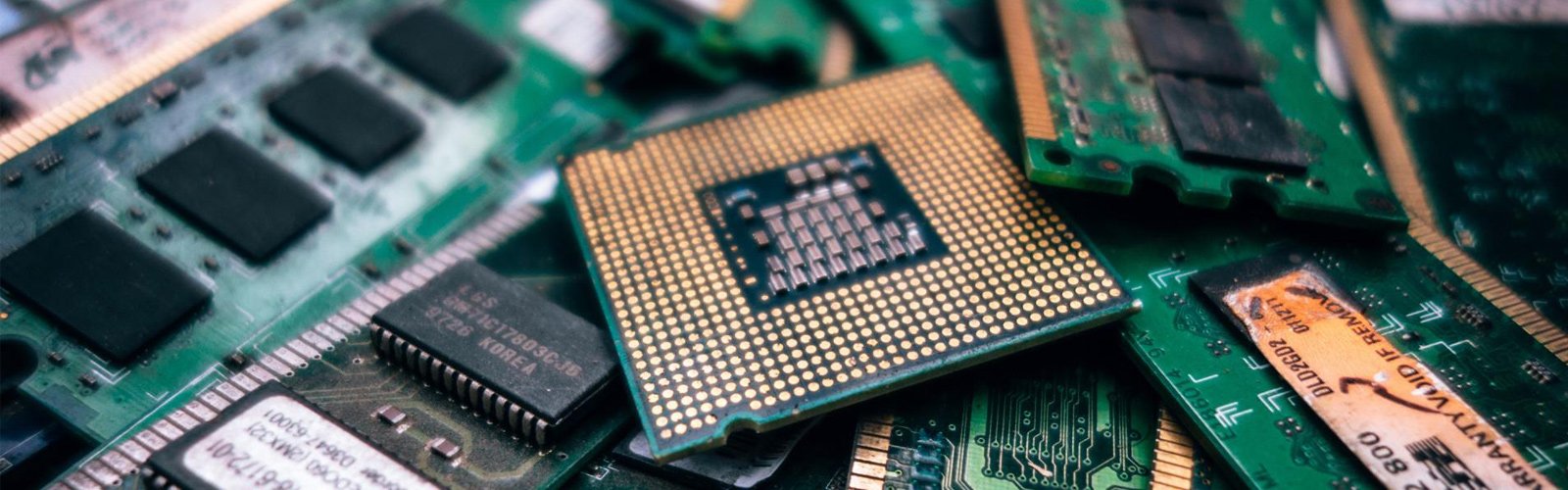

Computers often stop suddenly without any prior warning. Work, studies, entertainment, and other personal tasks — for everything, you are dependent on your system. A failure causes disruptions and unnecessary delays in your daily routine. If you need computer fixed today, assess the issues quickly and seek professional support when necessary.
Don’t rush into unfamiliar fixes, as it may make things worse. A better approach is to take your time to assess properly and go with the right methods, even though you need an immediate solution.
Your computer suddenly stops working — You will naturally feel an urge to try different fixes. You have to resist that urge, because the right thing to do first is to find out what has changed. This will also help you explain things clearly to a technician if you need to visit one.
You also need to consider the urgency. If you are using the device for study, business, or work, you may need computer fixed today. You don’t need to diagnose the fault yourself; just understand the issue and stop making it worse until you reach a technician.
Rushing the fix is not always helpful, especially if you are handling it on your own and you don’t have proper technical knowledge for this. Don’t learn from online tutorials and try random things. If you continue with unfamiliar and unsuccessful repair attempts, it can cause further damage and may put your important information at risk. On the safer side — look for a professional technician for computer repair near me.
When you don’t know how to handle the problem, it is safer that you leave the repair and restoration in professional hands. This is what we help with at Roxy Computers. Our team of experts can help you get your computer back in proper working condition without any unnecessary risk.
Some problems are better left to an experienced technician. It’s not worth experimenting with methods you are not sure about. Rely on us for all types of computer repairs Roxburgh Park. We do it in minimal downtime to keep it convenient for you when the computer is essential to your daily activities.
You must consider getting expert help if:
Every hour without a working system affects your productivity. When you need computer fixed today, seek an expert and get the right support promptly before it can affect your work.
Professional-level computer and laptop repair support — this is what you’ll get at Roxy Computers. We’ll bring your system back on track. Reach out to our team — let us help you find the right fix for a failed system.
Frequently Asked Questions (FAQs)
Check the power connection first — then the charger and the battery. If everything is okay and your laptop still remains unresponsive, the actual underlying cause may be difficult for you to find out. Instead of repeated attempts at fixing, arrange a professional assessment.
A broken screen is sensitive. Don’t handle the damaged display on your own; don’t press the damaged area. Get it checked by a technician to get the right solution — screen repair or replacement, based on the type of damage.
Sudden shutdown and freezing — such instances may signal underlying hardware or software issues. Overheating can also lead to such situations. Consider a professional check before the problems worsen.
There is no absolute answer to this. Most of the time, data remains intact even if the system suddenly stops working. However, risky troubleshooting attempts can damage your data permanently without any possible way to restore it. So it’s better that you get everything fixed by a professional technician.
The repair may be straightforward and be completed within a few hours when a compatible screen is readily available. This is why you should always choose a widely trusted repair specialist to ensure minimal downtime.