Welcome to Roxy Computers


Visit US
35 Malabar St, Roxburgh Park VIC 3064

Call Us Now
04077 33 333

We are now officially Dell Authorized Partner.
35 Malabar St, Roxburgh Park VIC 3064
We are now officially Dell Authorized Partner.
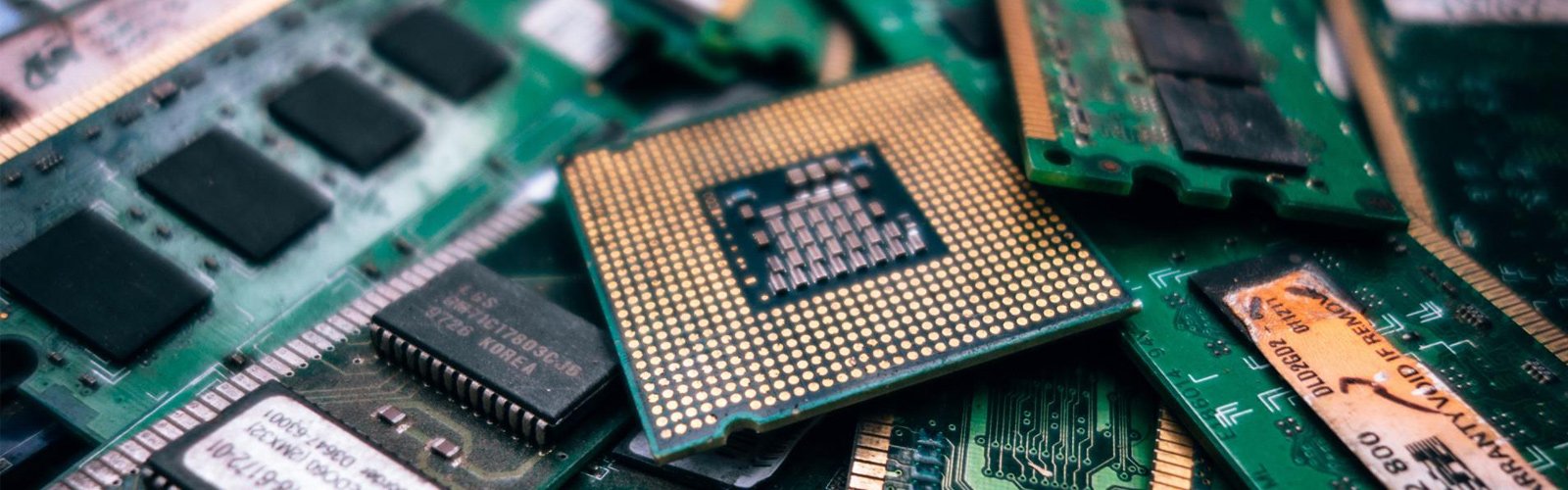

Dropped your laptop and cracked the screen? The display suddenly started flickering? Well, these issues might need a screen repair or replacement. You shouldn’t try to work out how to fix the display yourself; go for professional laptop screen repair Melbourne. When you’re waiting for a repair, you must avoid any attempt that can cause further damage.
A few simple considerations can help you keep the laptop safe until you take it to an expert technician. Know what to do and what to avoid during this stage; this makes the process easier.
After screen damage, you must be extra careful when handling and storing the device. Any type of mishandling can affect its condition before it reaches a technician. Before you go for laptop repair Melbourne North, keep the device stable and protected. You have to prevent the existing damage from getting worse, for which you’ll have to limit unnecessary pressure and movement, particularly around the damaged display.
You must keep the broken device in a secure space where it will not be knocked or covered by other items. Consider these factors before arranging computer repair Melbourne North. The damage can be more than the visible display; it can affect the lid and other internal or external components too. You need to keep the device undisturbed until it is properly assessed by a professional.
At Roxy Computers, we have an adept team of technicians who handle all types of screen damage issues. You can visit our repair centre at Roxburgh Park to get the device thoroughly assessed and repaired.
Until you get it repaired, you may need to use your laptop for urgent needs. Know that a damaged screen doesn’t always mean that you’ll have to stop using it immediately. The display is sometimes still usable, so you can manage work, studies, and other important tasks. However, before a laptop screen repair Melbourne, you must limit its use to immediate temporary purposes.
Prepare for laptop screen repair Melbourne
Before you visit a repair centre, make your mind clear about what exactly happened and what you noticed afterwards. This will help you communicate with the technicians better. After you contact professionals for computer repair Melbourne North, know what they might ask.
A damaged screen needs the right care. When you hand over your device with complete and clear information about the damage, it makes it easier for the technician to assess and understand further important details for the repair. Any issues with the screen can leave you unsure whether the display needs a simple repair or a complete replacement. Roxy Computers can help you identify the appropriate solution upon assessing the condition of the screen and other components of the device.
Need help with a damaged laptop screen? Contact Roxy Computers today for reliable repair and replacement services.
Frequently Asked Questions:
1. Why is my laptop screen flickering after a drop?
Screen flickering often happens if the display cable is loose or damaged. It can also be due to outdated graphics drivers or sometimes due to incompatible applications. External damage to the laptop can show signs of flickering and flashing if it affects the display signal.
2. My laptop screen has gone black. How to fix it?
It can happen due to software or hardware issues. Graphics driver error, incorrect display settings, failed updates, loose or damaged display cable, RAM issues, failing graphics card – these are some common reasons. A thorough check by a professional is the best and safest way to fix such issues.
3. Can I still use my laptop with a cracked screen?
Your laptop can still work fine even with a cracked screen. But that doesn’t mean you should keep using the device. Continued use after damage can worsen the condition. You must talk to a technician for professional assessment and complete restoration.
4. Will a screen repair affect my files?
A standard screen repair generally doesn’t affect the files because they are stored in the SSD or hard disk. The repair process doesn’t touch the files; it simply replaces the screen. If your laptop is still turning on after screen damage, it is better to keep a backup of important files.
5. How much do laptop screen repair and replacement cost?
The cost depends on the laptop and the type of screen damage. The laptop brand, screen model, display specifications, and repair needs influence the price. A technician needs to assess the device first to identify the required repair and give you an accurate cost.