Welcome to Roxy Computers


Visit US
35 Malabar St, Roxburgh Park VIC 3064

Call Us Now
04077 33 333

We are now officially Dell Authorized Partner.
35 Malabar St, Roxburgh Park VIC 3064
We are now officially Dell Authorized Partner.

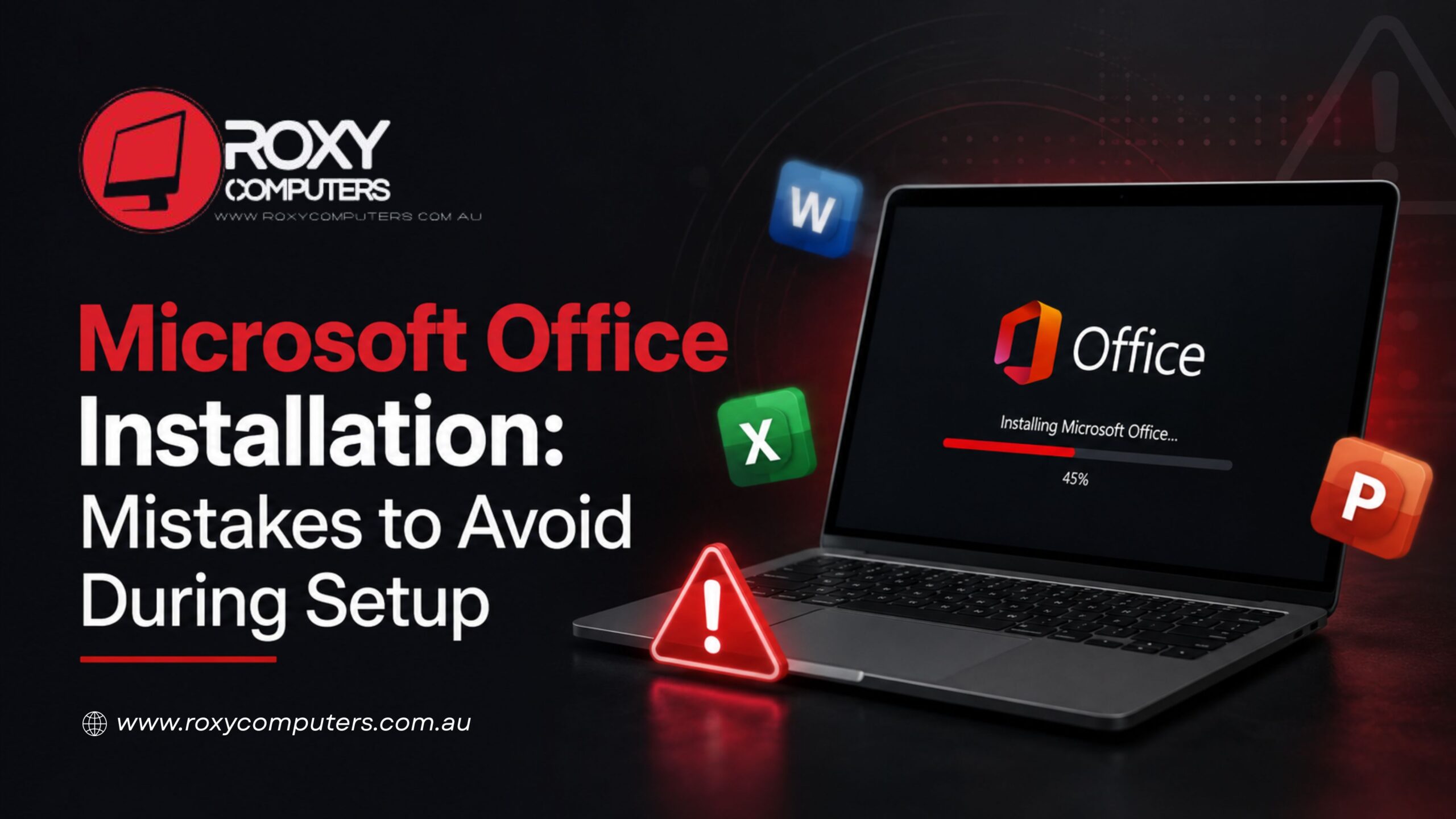
Microsoft Office is one of the most preferred and widely used productivity suites. It remains a reliable choice for all – students and professionals. Whether you want to create documents, manage spreadsheets, prepare presentations, or send emails, MS Office has it all. You just need the software to be installed correctly in your system, and that’s it. You can maintain an efficient workflow with the software.
Installing MS Office may seem to be a straightforward and simple process; it has many crucial aspects, and if you overlook those aspects, it may lead to activation errors or compatibility issues. This is why you need a professional to avoid the common mistakes in Microsoft Office installation. With a skilled technician by your side, you will get a reliable Office setup from day one.
Why Proper System Preparation Matters Before Installation
You need to prepare your system before you move forward with the installation process. This is important because it is observed that many installation problems stem from an unprepared system. If you miss this stage, it can result in a failed installation. An expert assesses the system beforehand so that there are no unnecessary delays during the installation and no need to troubleshoot later.
When you seek professional installation, the preparation stage goes like this:
The preparation stage is all about recognising and resolving underlying issues that could hamper the installation process. For example, if the operating system is outdated, it may not support all the features of the latest MS Office version and its security updates. If a technician identifies any compatibility concerns, it is likely that they will recommend a Windows 11 upgrade service to make your system more stable for the Office installation.
What Professionals Check During Microsoft Office Installation
Once the system is finally ready, the installation process begins. During this time, professionals need to pay careful attention to make sure that the software is configured correctly from the outset. At Roxy Computers, we carry out each step of the Office installation methodically to keep the software functioning as expected. No chances of incomplete installations, activation issues, or functionality issues.
This is what technicians pay attention to during the installation:
When you rely on a qualified technician for Microsoft Office installation, there are fewer chances of installation errors. You get all Office components installed correctly. Moreover, it may help with stable performance and long-term software reliability.
Post-Installation Checks That Support Long-Term Performance
Installing the software is only one part of the overall process. Professional setup includes installation, activation, and post-installation checks. This is to confirm that each one of the MS Office applications is working correctly so that you get your system ready for everyday use. After Office 2024 installation, a professional verifies the configuration settings and updates. This not only maximizes performance but also improves security.
The post-installation stage involves:
After Microsoft Office Installation, these final checks are important to help reduce software-related issues in the future. To ensure a reliable user experience, professionals run this check thoroughly.
The entire process from preparation to installation and final check – each stage demands knowledge, skill, and attention that experienced technicians have. At Roxy Computers, we have a team of qualified experts who perform software installation and upgrades with complete dedication, ensuring minimal downtime. You can count on us for ideal software support. Anytime you notice any issue with your PC, we are here to help you with the right solution.
Frequently Asked Questions (FAQs)
Yes, if you are currently using Windows 11, you can definitely install MS Office if your device meets the required specifications.
Any older or duplicate Office versions need to be uninstalled and removed from your system before you install a recent version. This small step will prevent future conflicts and compatibility issues.
For activation, you will have to use the Microsoft account or a genuine licence linked to the software.
Professional assistance is ideal for those who lack technical knowledge. If you encounter installation failures, activation problems, or compatibility concerns, you must seek an expert to get the software configured correctly and operate smoothly.